Choosing a USB-C hub
How to choose a USB-C hub — first, why your monitor might not work
Check your laptop's port before the hub: the USB-C port must support video output (DisplayPort Alt Mode, Thunderbolt or USB4) for the hub's HDMI to work. Then check whether HDMI is 4K@60Hz or 30Hz, whether the hub's PD input is enough for your laptop charger if you charge through it, and the USB data speed (5Gbps vs 10Gbps).
USB-C hubs are cheap, but "no picture" and "slow charging" complaints are common, and mostly avoidable.
1. Does your laptop's USB-C port output video?
USB-C ports look the same but differ in function. For HDMI through a hub, the port must support one of:
DisplayPort Alt Mode (sometimes marked with a DP logo)
Thunderbolt / USB4 (lightning-bolt logo)
A charging/data-only port will never output video through any hub. Check the "display output" line in your laptop's spec sheet.
2. 4K@60Hz or 30Hz?
"4K support" alone may mean 30Hz — fine for documents, choppy for mouse movement. Look for "4K@60Hz" explicitly.
3. Charging through the hub — PD input watts
With PD pass-through, the hub uses some power itself, so the laptop receives a bit less than the input. Compare your laptop charger's wattage with the hub's maximum PD input.
4. USB port speed
5Gbps (USB 3.x Gen 1) — fine for mouse, keyboard, flash drives
10Gbps or more — matters for frequent external SSD use
5. Two monitors
Even with two HDMI ports, the laptop must support multiple external displays. Some MacBook models limit external displays; check Apple's specs.
Hubs checked on this site
Labels (4K@60Hz, 5Gbps, 100W PD) are the sellers' listed specs. Prices and stock as of each card.
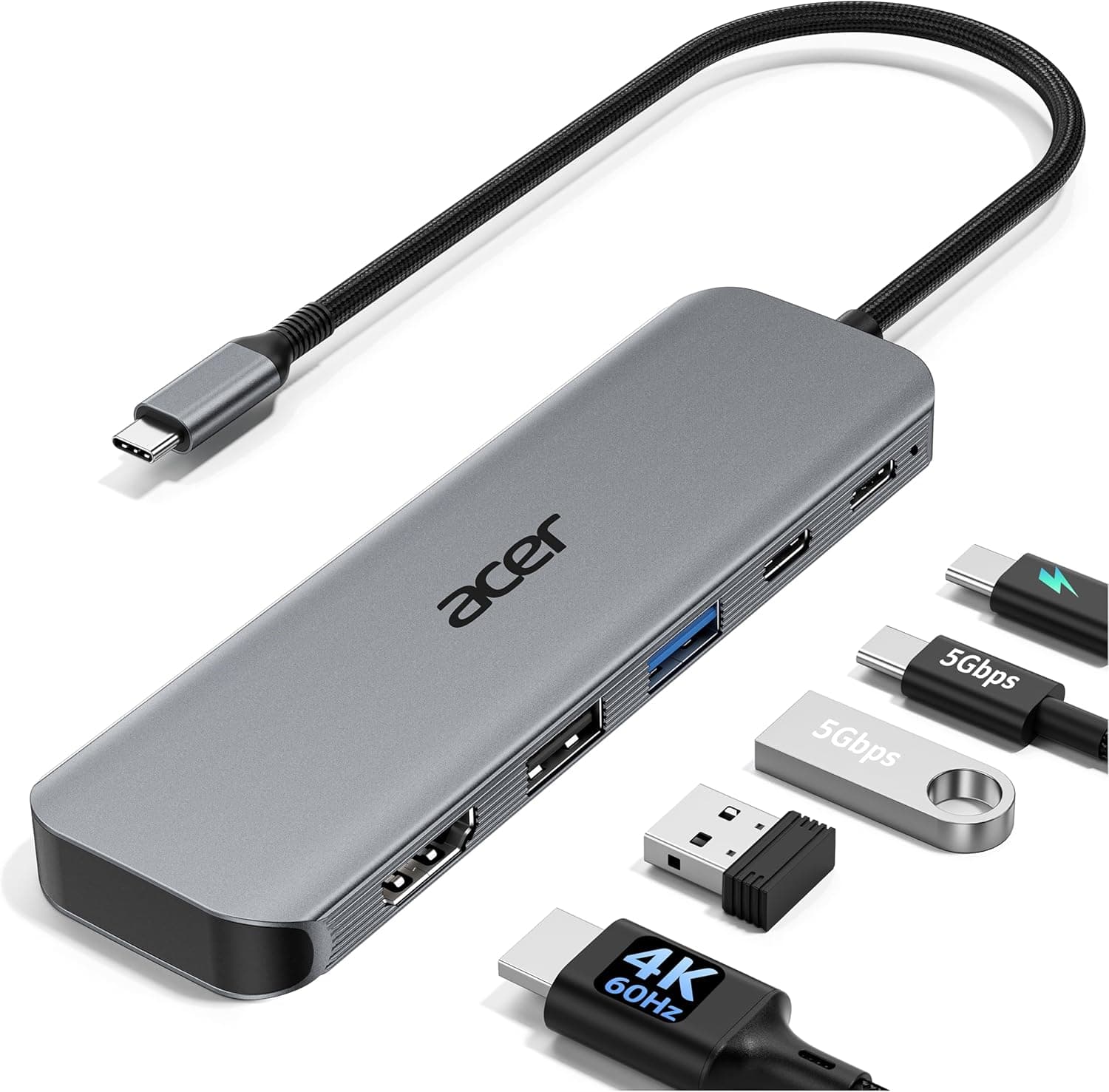 amazon생활용품AEO 87
Acer USB C Hub, 5-in-1 USBC to HDMI Adapter with 4K@60Hz for Laptop/Mac
- ✓브랜드: Acer
- ✓Amazon.com 판매가: $19.99 (확인 시각 기준)
- ✓브랜드 표기: Acer
US$20
확인 2026. 09. 15. · 확인 후 30일 경과
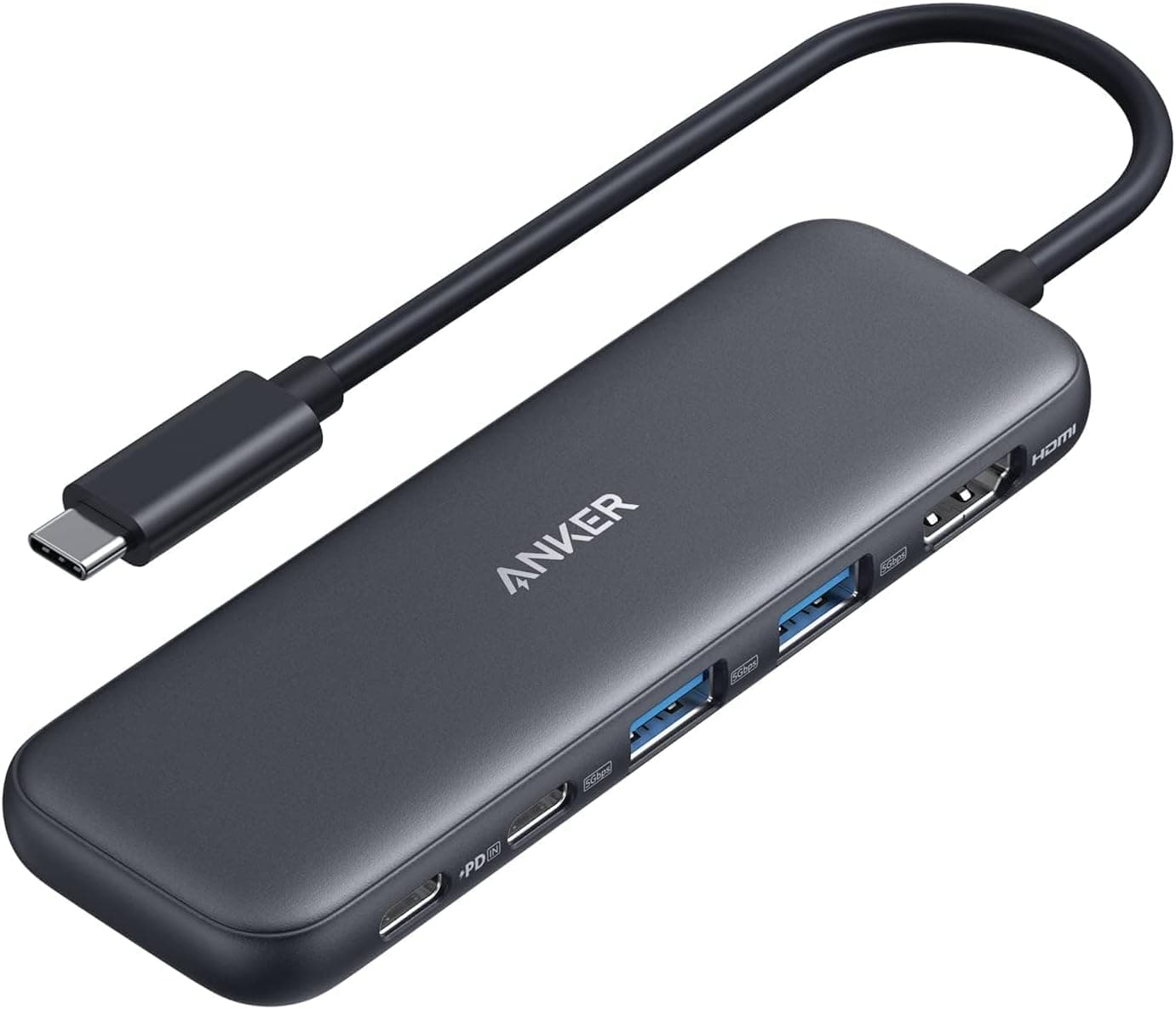 amazon생활용품AEO 97
Anker USB C Hub, 5-in-1 USBC to HDMI Splitter with 4K Display
- ✓File transfer up to 5 Gbps
- ✓4K HDMI external monitor output
- ✓Anker 332 5-in-1 hub, 18-month warranty
US$18
확인 2026. 09. 15. · 확인 후 30일 경과
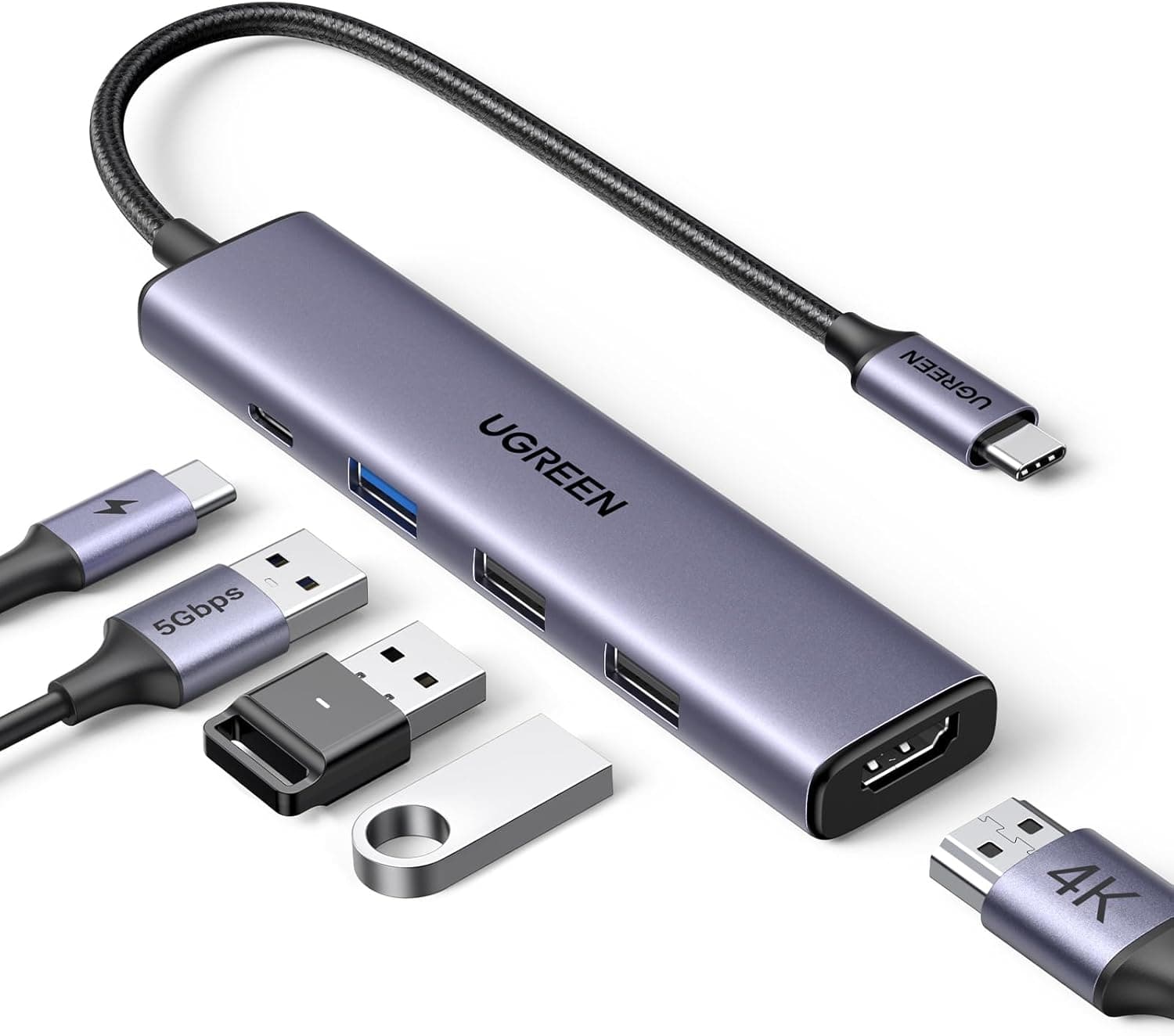 amazon생활용품AEO 92
UGREEN USB C Hub 5 in 1 Multiport Adapter 4K HDMI, 100W Power Delivery
- ✓4K HDMI port + 100W USB-C PD
- ✓5-in-1 connectivity
US$12
확인 2026. 09. 15. · 확인 후 30일 경과
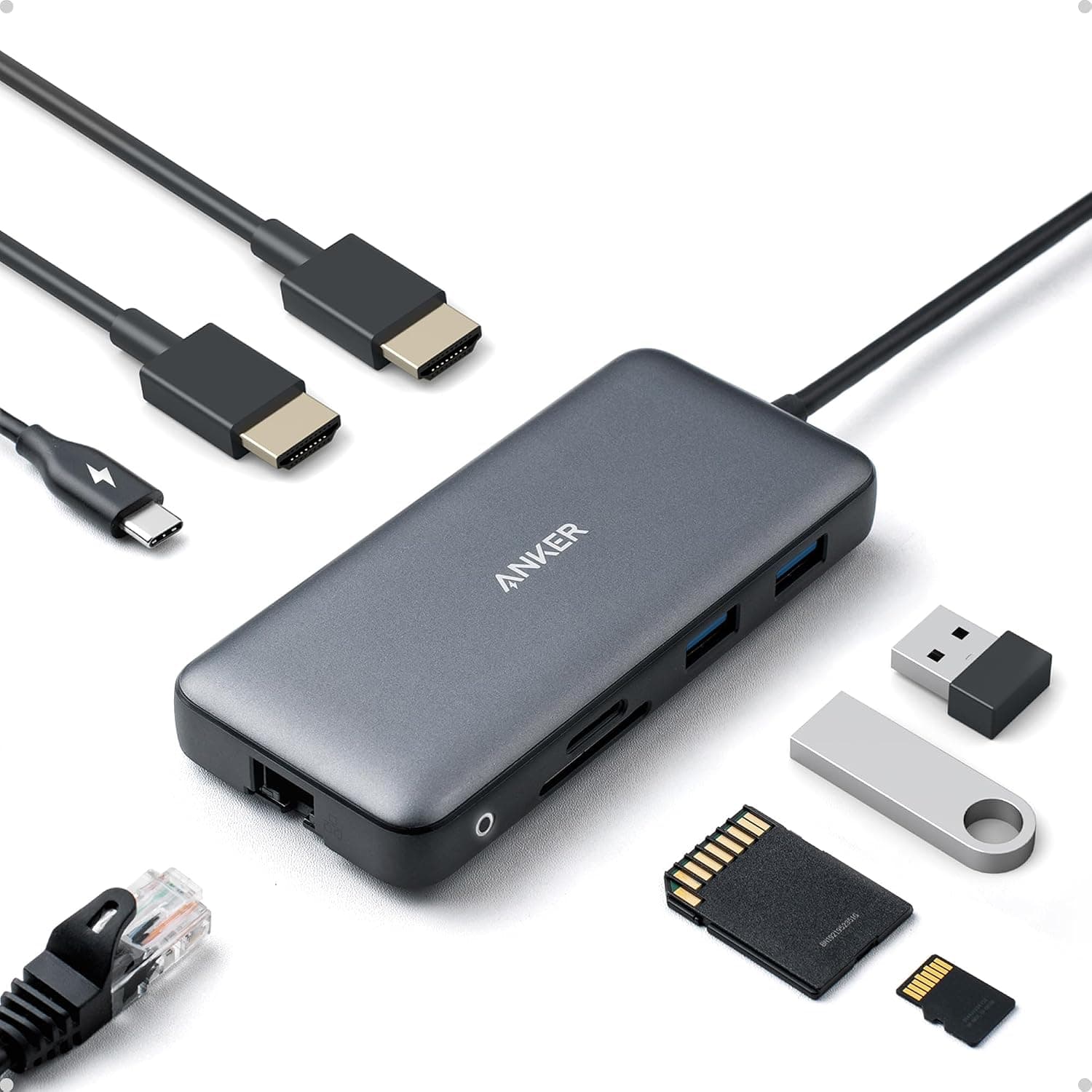 amazon생활용품AEO 99
Anker Laptop Docking Station Dual Monitor, 8-in-1 USB C Hub with 4K HDMI
- ✓USB-C Power Delivery high-speed pass-through
- ✓PowerExpand 8-in-1 hub
- ✓18-month warranty
US$54
확인 2026. 09. 15. · 확인 후 30일 경과
FAQ
Q. My monitor shows nothing through the USB-C hub.
Most often the laptop's USB-C port doesn't support video output. Try another USB-C port and check which ports support display output in your laptop's specs.
Q. It says 4K but the screen stutters.
It may be 4K@30Hz. Choose a hub that explicitly lists 4K@60Hz.
Q. Does charging through a hub slow laptop charging?
The hub uses some power, so the laptop gets a little less than the input. Make sure the hub's PD input comfortably covers your laptop charger's wattage.
Sources
Port capabilities must be confirmed in your laptop maker's specs. Product specs are the sellers' listings on each product page. Compiled 2026-10-01.
한국어: How to choose a USB-C hub — first, why your monitor might not work